
How to Proofread and Edit With AI (Without Losing Your Voice)
AI editing is faster than human proofreading — and more dangerous. The same model that catches every grammar slip will quietly sand off the edges that make your writing yours. Here is how to use each for what it is actually good at.
- Pass 1 — Mechanics: fix grammar, spelling, punctuation, and repeated words; this is AI's strongest task and the safest pass to run without reviewing every change.
- Pass 2 — Clarity: identify sentences over 30 words and paragraphs that take more than one sentence to reach the main point; prompt AI to tighten each.
- Pass 3 — Tone: check whether the register matches the audience; use a tone-adjustment prompt targeted at a specific shift, not a blanket "improve tone" instruction.
- Pass 4 — Structure: verify that each section flows logically from the previous one; ask AI to summarize the argument and flag gaps.
- Pass 5 — Voice check: read the edited draft aloud; any sentence that sounds like it was written by a committee — not you — needs a manual rewrite before you publish.
Every writer has felt it: you finish a piece, read it back, and something feels off — a clunky sentence here, a repeated word there, a paragraph that somehow says nothing in 80 words. Proofreading is the unsexy part of writing that separates readable from forgettable.
AI has become a genuinely capable editing partner. It catches grammar errors, flags passive overload, tightens verbose sentences, and spots inconsistent tone — all in seconds. The catch? If you hand it your draft and say "make this better," you will get something polished, generic, and no longer yours. The goal is to keep your voice while using AI's pattern-recognition to fix what human eyes miss. If you are still working on building better prompts in general, start there — the same principles apply here.
This guide walks through five editing passes, each targeting one dimension of quality, each using AI as a tool rather than a ghostwriter.
What AI Does Well in Editing (and What It Gets Wrong)
AI excels at mechanical errors — spelling, grammar, punctuation, subject-verb agreement — and at identifying structural redundancy. Where it fails is nuance: intentional fragments, dry humor, unconventional word choices, and any prose that works precisely because it bends a rule. AI edits toward a statistical average of "good writing," and that average sounds clean, corporate, and interchangeable.
The asymmetry matters. Hand AI a draft and ask it to "improve" the writing, and it will produce something technically superior that is no longer distinctively yours. The trick is to use AI for the layer it handles well — mechanics and pattern recognition — while keeping judgments about voice and rhythm in your hands.
Here is the most common failure mode: a writer pastes a casual, direct draft and gets back something formal and hedged. Compare these two versions of the same sentence:
Make this better: "Look, I've been doing this for ten years, and I'll just say — the documentation is, uh, not great."
Based on a decade of professional experience, I can affirm that the documentation quality is suboptimal and could benefit from significant improvement.
Fix only grammar and filler words. Keep the casual tone, the dash, and the direct confession. Do not make it formal.
"Look, I've been doing this for ten years, and I'll just say — the documentation is, uh, not great."
Look, I've been doing this for ten years, and I'll say it plainly — the documentation is not great.
The good version fixed the filler ("uh") and tightened "I'll just say" without touching the register, the dash, or the directness. That required a constrained instruction. Everything in this guide is about writing constrained instructions.
| Editing Task | AI Handles Well | Keep This Yourself |
|---|---|---|
| Grammar & spelling | Excellent — near-perfect | Flag intentional misspellings (brand names, dialect) |
| Wordiness | Good at flagging candidates | Decide which to cut — rhythm matters |
| Tone consistency | Good at spotting deviations | Anchor it to your voice sample (see Step 3) |
| Structure | Can identify buried points | Architectural decisions — what to cut vs. reorder |
| Voice & style | Poor — defaults to statistical average | All of it — run a voice audit after every pass |
Step 1 — Fix Mechanics Without Touching Your Style
The first pass is purely mechanical: spelling, grammar, missing words, and punctuation. This is where AI is unambiguously useful, and where you should give it the narrowest possible instruction to prevent it from "improving" your voice. The critical phrase in every mechanics prompt is "do not rewrite sentences."
Without that constraint, AI conflates "fixing grammar" with "making sentences better." Those are different jobs. Grammar is objective; "better" is a style judgment you did not hire it to make. When you define exactly what counts as in scope, AI becomes a precise instrument instead of an opinionated co-author.
Prompt Card 1 — Mechanics Only
After AI returns the marked-up text, review every bracketed change before accepting it. Some will be genuine fixes; others will be "corrections" that undo intentional choices. The bracket format forces you to make each decision consciously rather than accepting all changes at once.
Step 2 — Clarity and Concision Pass
Once mechanics are clean, the second pass targets clarity: sentences that are technically correct but needlessly long, paragraphs that bury the main point, and words that add syllables without adding meaning. The rule here is to ask AI to flag, not fix. When AI rewrites for concision, it strips the rhythm that makes a sentence worth reading. Get the candidates; make the cuts yourself.
This is a two-prompt workflow. The first prompt audits the draft and returns a list of wordy candidates. The second rewrites a single targeted sentence on demand — you decide which ones to run it on.
Prompt Card 2 — Clarity Audit
Prompt Card 3 — Targeted Sentence Rewrite
Using sentence-by-sentence rewrites keeps you in control. You evaluate each option and choose whether to use it, adapt it, or ignore it. Nothing replaces wholesale.
Step 3 — Tone Consistency Check
Tone inconsistency is one of the hardest problems to self-edit because it accumulates invisibly. You write most of a piece in a punchy, direct style, then slip into formal register for two paragraphs while referencing a study or writing while tired. The fix is to anchor AI to a voice sample — a short excerpt that represents your actual target tone — and ask it to compare the draft against that anchor rather than against abstract "good writing."
The voice sample technique is the single most powerful constraint you can give an AI editor. Without it, "check my tone" means "compare to the statistical mean of professional prose." With it, "check my tone" means "compare to this specific writer." That distinction changes everything about what comes back.
Prompt Card 4 — Tone Baseline Check
Here is what a useful AI response to this prompt looks like:
[Voice sample provided — direct, punchy, short sentences]
[Draft includes this passage: "It is worth noting that the aforementioned methodology presents several potential considerations for practitioners in the field."]
Passage 1: "It is worth noting that the aforementioned methodology presents several potential considerations for practitioners in the field."
Shift: Becomes significantly more formal and hedged — "aforementioned," "it is worth noting," and "potential considerations" all signal academic register absent from your voice sample. Your sample would likely say: "Here's the catch for people using this in practice."
Notice it does not rewrite the passage — it diagnoses the gap and tells you specifically what class of language caused the drift. That is the output you want: a pointer, not a replacement.
Step 4 — Structure and Flow Review
The structure pass looks at the piece as a whole: does the intro earn the reader's attention? Does each section build on the last? Is the conclusion doing real work, or is it restating the intro with different words? Are there sections that could be cut entirely without the piece losing coherence? AI is genuinely useful here because structural problems are hard to spot from inside a draft you just wrote.
Run two prompts for this pass: one for overall structure, one for paragraph-to-paragraph transitions. They target different problems.
Prompt Card 5 — Structure Audit
Prompt Card 6 — Transition Check
One practical note: for pieces longer than 1,500 words, paste one major section at a time rather than the full draft. Full-draft structural feedback tends toward generality; section-by-section feedback surfaces specific problems. This also connects to broader lessons in making AI writing sound human — the more specific your input, the more useful the output.
Step 5 — The Final Voice Audit
After four AI editing passes, your draft will be more polished — and will have lost something. A repeated structural pattern you use intentionally, a slang term that defines your register, an unconventional comma splice you deploy for rhythm. The voice audit pass compares your original draft against the edited version and surfaces exactly what changed between them. Run it after every major AI editing session.
Prompt Card 7 — Voice Audit
Here is a sample output from this prompt:
[Original and edited drafts provided]
Voice Audit Results:
| Original | Edited | What was lost |
|---|---|---|
| "Here's the thing, though." | "However, it is important to note that" | Conversational pivot replaced with formal transitional phrase — strips personality |
| "It doesn't. Full stop." | "This approach is ineffective." | Emphatic two-word sentence — a rhetorical pattern used consistently in the original |
| "(You'll see why in a minute.)" | Removed | Parenthetical aside creating anticipation — part of the original's conversational texture |
From here, you restore what matters. Some removals will be right — clutter you did not notice. Others will be essential voice markers you want back. The audit puts that decision in your hands, not in the AI's averaging function.
Frequently Asked Questions
Will AI proofreading replace tools like Grammarly?
For mechanical errors, they overlap significantly — both catch spelling, grammar, and punctuation. AI editors handle context-dependent issues better (wrong word used, awkward phrasing) and can address style, but carry more risk of rewriting your voice. Grammarly-style tools are lower-stakes for quick mechanical checks where you want minimal interference. The two are complementary, not redundant.
How do I stop AI from rewriting everything when I only ask it to proofread?
The key is specificity of instruction. "Proofread this" invites wholesale revision. "Fix only spelling and grammar errors, return changes in brackets, and do not rewrite sentences" is narrow enough that AI stays in scope. Always define what you do not want as explicitly as what you do. The narrower the permission you grant, the more controlled the output.
Should I paste my whole draft or work section by section?
For pieces over 1,500 words, section-by-section editing gives better control and more targeted feedback. Pasting a long draft and asking for a full edit tends to produce generic feedback or overwhelming revisions. For quick mechanics checks — where you just want spelling and grammar caught — pasting the whole draft is fine. Match the scope of the paste to the specificity of the task.
What is the best way to preserve my writing voice when using AI?
The voice sample technique — providing a short excerpt (100–200 words) that represents your target tone before each editing pass — is the most effective single constraint. It grounds AI's judgment in your actual writing rather than in generic "good prose" standards. Without it, AI calibrates to an imagined average; with it, it calibrates to you.
Can AI catch logical inconsistencies in an argument, not just style?
Yes, with an explicit prompt. "Does this draft ever contradict itself? Are there claims asserted in one section and undermined in another?" works reasonably well. AI handles surface-level consistency checks reliably. For deeper logical gaps — structural contradictions that span multiple sections — it may miss them or flag false positives. It is a useful first pass, not a substitute for careful re-reading.
How many AI editing passes is too many?
Three to four targeted passes (mechanics, clarity, tone, structure) is the practical ceiling. Beyond that, you risk over-polishing — producing text that is technically flawless but reads as if written by committee. The voice audit in Step 5 exists precisely to catch that drift. If you find yourself running more than four passes, the problem is usually in the drafting stage, not the editing stage.
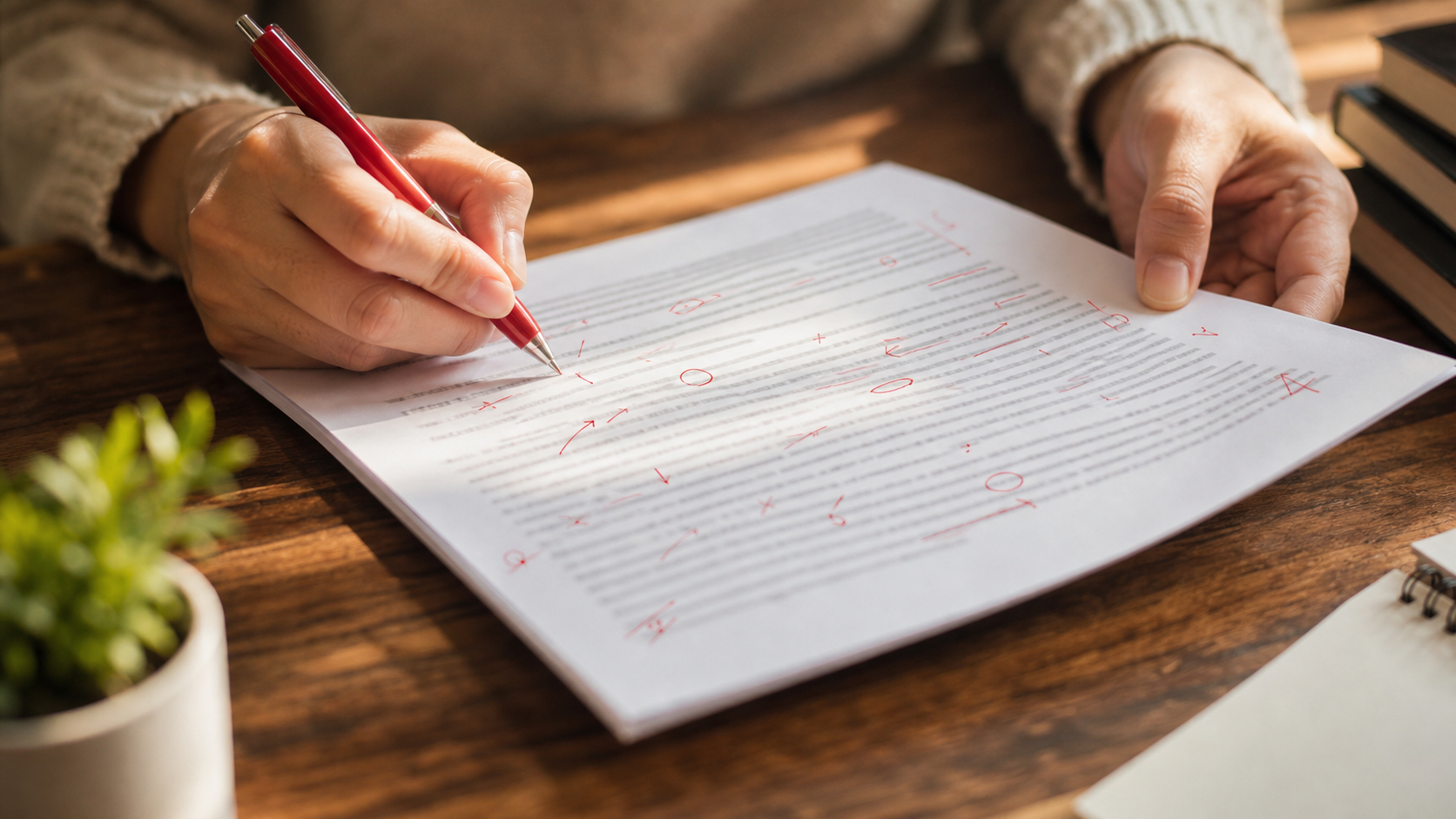
The five-pass framework is designed to be selective, not exhaustive. You do not run all five on every piece — a quick blog update needs mechanics only; a long essay may need all five. The point is to know which pass does which job, so you use AI where it is genuinely better than you (catching what tired eyes miss) and stay in the driver's seat where you are genuinely better than it (knowing what makes your writing yours).
Get new posts by email
No ads. Unsubscribe anytime.
Comments
Comments (0)
Leave a Comment