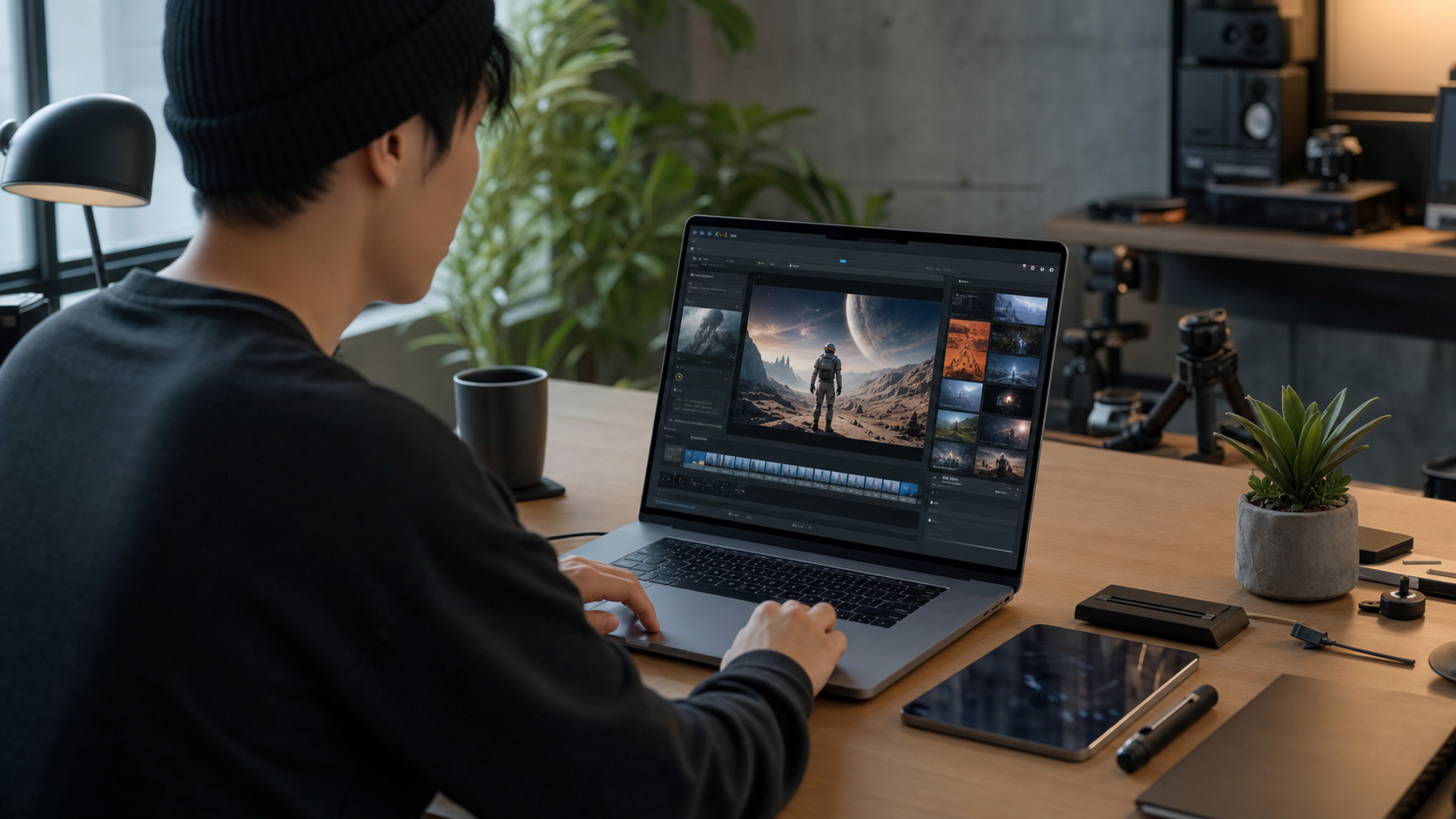
How to Make AI Videos for Free in 2026
Making AI videos for free in 2026 is genuinely possible — but most guides skip the part where "free" has real limits. This walkthrough tells you exactly what to expect from the best free-tier tools, how to write prompts that produce results worth keeping, and how to stretch your daily credits further than most beginners do.
One upfront note: AI video platforms adjust their free tiers frequently. Credit limits, watermark policies, and resolution caps all change. Everything here is framed as "as of 2026" — verify specific limits at signup before building any workflow around a particular tool's free offering.
- Choose your tool — Start with Kling AI for quality or Pika Labs for lowest-friction iteration; both require no credit card for free signup
- Create a free account — Sign up with email or Google; note your daily credit limit in the dashboard before generating anything
- Write a structured prompt offline first — Use the 4-element framework (Subject, Motion, Style, Format) before opening the generator to avoid wasting credits on exploration
- Set aspect ratio and duration — Choose 16:9 or 9:16; set clip length to 5 seconds for first tests to conserve credits
- Generate and evaluate — Assess each clip against the four elements; adjust only the specific element that is off, not the whole prompt
- Download immediately — Free-tier generations are purged after 24–72 hours on some platforms; download every clip you want to keep right away
What "Free" Actually Means in AI Video (and What to Expect)
As of 2026, the most usable free AI video tiers come from Kling AI, Pika Labs, and Hailuo AI — each offering daily credit allowances that reset regularly. Runway ML gives 125 credits on signup, which is enough to evaluate the tool but not sustain regular use. Google Veo's consumer access remains region-limited and waitlisted in many areas. Free tiers across all platforms typically include credit caps, possible watermarks, resolution limits (often 720p), and clip length caps of 5–10 seconds. None of this prevents you from learning the workflow and producing shareable short clips without spending a dollar.
Here is what you are actually getting on a free AI video tier:
- Credit caps: A fixed number of generations per day. The exact number varies by platform and changes over time — always check at signup. Most platforms reset at midnight UTC.
- Watermarks: Some tools watermark free-tier outputs. Kling and Hailuo have historically not watermarked standard free outputs, but policies change — verify before publishing.
- Resolution limits: Free tiers commonly max at 720p; paid tiers unlock 1080p or higher.
- Clip duration: 5–10 second clips are the norm on free plans. Longer durations consume more credits and are often gated.
- Queue position: Free users typically wait longer during peak hours. Generate during off-peak times (early morning or late night in your timezone) for faster results.
For a broader look at which AI tools offer the best free access across all content types, see our guide to best free AI tools in 2026.
Step-by-Step: Make Your First AI Video for Free
The fastest path to your first AI video: sign up for Kling AI or Pika Labs (no credit card required), write a four-element structured prompt, generate at minimum clip length to conserve credits, and download immediately. The entire process takes under ten minutes once your account is active. The single biggest mistake beginners make is using a vague one-line prompt — structured prompts produce dramatically better results from the first generation.
-
Choose your starting tool For the best balance of free-tier quality and output consistency, start with Kling AI (klingai.com). For the lowest friction and fastest iteration, Pika (pika.art) is slightly more beginner-friendly. Both have international access and no credit card required for free tier signup.
-
Create a free account Sign up with email or Google. The process takes about two minutes. You will receive your starting free credits immediately. Note the daily credit limit shown in your dashboard — this is your budget.
-
Write a structured prompt before you open the generator Draft your prompt offline using the four-element framework (Subject, Motion, Style, Format — covered in detail in the next section). Do not type directly into the generation field and iterate there — that wastes credits. Have your prompt ready before you click generate.
-
Set aspect ratio and duration Select 16:9 for landscape (YouTube, desktop) or 9:16 for vertical (Instagram Reels, TikTok). Set clip length to 5 seconds for your first test — this is the most credit-efficient option and gives you enough to judge whether the prompt is working.
-
Generate and evaluate Submit your prompt and wait. Expect 1–3 minutes on Kling, slightly faster on Pika. When the clip is ready, assess it against your prompt: Did the subject appear correctly? Is the motion smooth? If something is off, identify which element of the four-element framework to adjust — do not rewrite the whole prompt.
-
Download immediately Free-tier generations are sometimes purged from platform history after 24–72 hours. Download every clip you want to keep as soon as it is ready. Check whether the output has a watermark before publishing — if it does, factor that into your platform choice.
A forest with sunlight and trees moving.
Generic output: static medium shot, flat ambient light, inconsistent tree motion. The model fills every ambiguous decision with a default — producing an average, unmemorable clip.
(Subject) Ancient redwood trees in a dense forest with shafts of light breaking through the canopy.
(Motion) Slow camera tilt upward from forest floor to treetops as light rays shift gradually.
(Style) Wide-angle cinematic shot, golden morning light, high contrast between shadow and sunbeam, film grain.
(Format) 6 seconds, 16:9.
Dramatically improved: the camera movement is deliberate, light behavior matches the description, the scale of the trees is clear. Every decision the model makes is guided rather than arbitrary.
Free AI Video Tools: What Each One Actually Gives You
The five most accessible free AI video tools in 2026 are Kling AI (best free-tier quality), Pika Labs (fastest iteration, most beginner-friendly), Hailuo AI (best for realistic human subjects), Runway ML (best editing tools, limited free credits), and Google Veo (highest quality ceiling, region-limited consumer access). No single tool leads on every dimension — matching the right tool to your content type matters more than picking the "best" one overall. See the table below for a side-by-side of what each free tier actually delivers.
| Tool | Free Tier Credits | Max Clip Length (free) | Watermark | Output Quality | Best Free Use Case |
|---|---|---|---|---|---|
| Kling AI | Daily credits (verify at signup — limit changes) | 5–10 sec | None on standard outputs (verify current policy) | Very Good | Character consistency, realistic motion, social clips |
| Pika Labs | Daily free generations | 3–5 sec | Verify current policy | Good | Fast iteration, beginner testing, style experiments |
| Hailuo AI | Daily free credits | Up to 6 sec | Verify current policy | Very Good | Realistic human subjects, character-driven content |
| Runway ML | 125 credits on signup (evaluation only) | Varies by credit usage | None on standard outputs | Very Good | Evaluating advanced editing tools before subscribing |
| Google Veo | Limited, via VideoFX (regional waitlist) | Varies | Verify | Excellent | Highest quality output where access is available |
For a deeper comparison of all these tools including paid plans, generation speeds, and editing features, see our guide to the best AI video generators and the best Sora alternatives roundup.
How to Write Video Prompts That Work (4-Element Framework)
AI video prompts that consistently produce high-quality output include four elements: a specific subject description, an explicit motion or action, a defined visual style and camera direction, and a format note covering clip length and aspect ratio. Every element you leave vague is a decision the model makes arbitrarily. The four-element framework is not a magic formula — it is a structured way of giving the model enough information to make deliberate choices instead of defaults. Most platforms accept plain English; you do not need angle brackets or special syntax.
The four elements map directly to how cinematographers think about a shot:
Use these elements in any order in your prompt. The labels are a thinking tool, not a required syntax. Once you have written a few dozen prompts with this structure, the pattern becomes instinctive and you will not need to consciously label each part.
(Subject) A young woman in a tailored navy coat crossing a rain-slicked city intersection at dusk.
(Motion) She walks toward the camera; her coat hem swings with each step; puddles reflect blurred neon signs around her.
(Style) Low-angle cinematic tracking shot, warm neon-lit atmosphere, shallow depth of field, subtle film grain.
(Format) 6 seconds, 16:9, high resolution.
Every ambiguous decision is resolved: the model knows the subject's appearance, the exact camera movement, the lighting mood, and the duration. There is nothing left to default. The result is a clip that matches your intent rather than the model's average expectation of "city scene."
Here are five copy-paste video prompts built on this framework. Each is ready to use — substitute [bracketed] elements to adapt them to your content:
1 — Landscape / Nature
2 — Urban / People
3 — Product / Close-Up
4 — Nature / Wildlife
5 — Space / Abstract
6 — Social Media / Vertical (9:16)
7 — Architecture / Aerial
If you want the same framework applied to AI images first — to generate a reference still before animating it — see our guide to the best AI image generators. Image-to-video workflows on Kling and Runway often produce more predictable results than text-to-video alone.
Getting More from Free Tiers: Practical Strategies
The most effective ways to extend your free AI video credits are: draft all prompts offline before opening the generator (eliminates exploratory credit waste), generate at minimum clip duration when testing (5 seconds costs less than 8), use multiple platforms simultaneously for different content types, and time your sessions around the platform's credit reset cycle. None of these require a paid plan — they are workflow habits that immediately increase the number of usable clips you get per day.
- 1 Know your credit reset cycle. Most platforms reset daily credits at midnight UTC. Check the platform's help docs for the exact reset time. Generate at the start of your credit window — not the end — so you have the full daily allocation available for revision iterations.
- 2 Batch your best prompts before you open the generator. Write 3–5 structured prompts in a text document first. Then open the generator and use your credits intentionally. Exploratory one-liners typed directly into the generation field are the fastest way to burn free credits without useful output.
- 3 Use multiple platforms for different content types. There is no rule against accounts on Kling, Pika, and Hailuo simultaneously. Kling for character-driven scenes, Pika for fast social iteration, Hailuo for realistic human subjects. Each daily credit pool refreshes independently.
- 4 Test at minimum duration, extend once the prompt works. A 5-second test clip uses fewer credits than an 8-second clip on most platforms. Confirm the subject, motion, and style are correct at 5 seconds, then generate the final clip at your target duration. This approach doubles or triples your effective credit usage.
- 5 Use image-to-video to improve complex subject control. Several tools (Kling, Runway) accept a still image as input and animate it. Generate a reference image first with a free AI image tool, then animate it. This approach gives you more control over what the subject looks like before committing animation credits.
- 6 Download every generation immediately. Free-tier generations are purged from platform history after 24–72 hours on some platforms. Do not leave clips in the platform library expecting to retrieve them later. Download to local storage as soon as each clip is ready.
For a full comparison of AI tools — not just video but also writing, research, coding, and image generation — see our AI tools comparison guide.
Frequently Asked Questions
Is there a completely free AI video generator with no watermark?
As of 2026, several tools offer free tiers without mandatory watermarks on standard outputs, including Kling AI and Hailuo AI — though watermark policies can and do change without notice. Always verify the current policy at signup before generating content you intend to publish or share commercially. Runway ML's free signup credits also produce clean outputs, though the credit allocation is evaluation-scale, not production-scale.
How long can AI videos be on free tiers?
Most free tiers cap clip length at 5–10 seconds. Kling and Hailuo typically allow up to 5–10 seconds on free plans. Runway's free credits deplete quickly on longer generations, and Pika's free generations tend to be 3–5 seconds. Generating at minimum duration (5 seconds) when testing a new prompt is the most credit-efficient approach — extend to your target length once you have confirmed the prompt is working.
Can I use free AI videos commercially?
Commercial use rights vary significantly by platform and plan tier. Most platforms restrict commercial use to paid plans or require attribution on free outputs. Read each platform's Terms of Service carefully before using free-tier AI video in commercial projects, advertising, or monetized content. This is not an edge case — it is a common licensing restriction that catches creators by surprise.
What is the best free AI video tool for beginners in 2026?
For beginners in 2026, Pika Labs (pika.art) offers the lowest-friction entry: a clean web interface, fast generation times, and a generous daily free credit allowance. Kling AI is a strong second choice with higher output quality on free tiers but a slightly higher expectation for structured prompts. Start with Pika to learn the basics, then move to Kling when you are ready to prioritize output quality over speed of iteration.
How do I improve AI video quality without paying?
The single biggest quality gain comes from a better prompt, not a paid plan. Use the 4-element framework: specify the subject precisely, describe the exact motion, choose a visual style and camera angle, and state clip duration. Beyond that, switching platforms to match content type (Kling for realism, Pika for speed, Hailuo for human subjects) and timing generations for off-peak hours — where queue wait times are shorter — both improve consistency without spending money.
Can I make AI videos on my phone for free?
Yes. Pika, Kling AI, and Hailuo are all accessible via mobile browser on iOS and Android. Pika has a dedicated mobile app. AI video generation happens entirely server-side — your phone's processing power has no effect on output quality or generation speed. A stable internet connection is the only meaningful requirement. Composing prompts on a phone keyboard is the main friction point; drafting in a notes app first and pasting into the generator works well.
If you are exploring the full landscape of what AI tools can do for free — beyond video — our best free AI tools guide covers writing, research, coding, and image generation alongside video in a single comparison.
Get new posts by email
No ads. Unsubscribe anytime.
Comments
Comments (0)
Leave a Comment